Tesseract Drafting & Design
A technical drafting firm. Its new website brings in quote requests.
Visit the live website
The client
Tesseract Drafting & Design produces facade shop drawings, Scan-to-BIM models and 3D BIM coordination for construction projects. In plain words: exact digital drawings and 3D models for the outside of buildings. The firm has done more than 500 projects. All of its work is digital.
The problem
This work is very specialized. The website had to show that fast. It had to earn trust quickly. It had to show how Tesseract differs from general drafting companies. And it had to make asking for a quote easy.
Goals
- A visitor understands within one screen that Tesseract is a facade specialist.
- Each of the three services is easy to find and easy to understand.
- A quote can be requested from any service page.
What we did
The big decision
One choice shaped the whole site. We present Tesseract as a facade specialist, not a general drafting company. A smaller claim is easier to believe. It is also true: this is what the firm does best.
How the site is organized
The site is organized around three core services: facade shop drawings, Scan-to-BIM and 3D BIM coordination. Each service has its own page. A contractor or fabricator finds the service they need and sees what they will get.
Design
Strong type, technical images, calm colour and tidy layouts. The site should feel as exact as Tesseract’s drawings.
Select any desktop screen to view it full size.
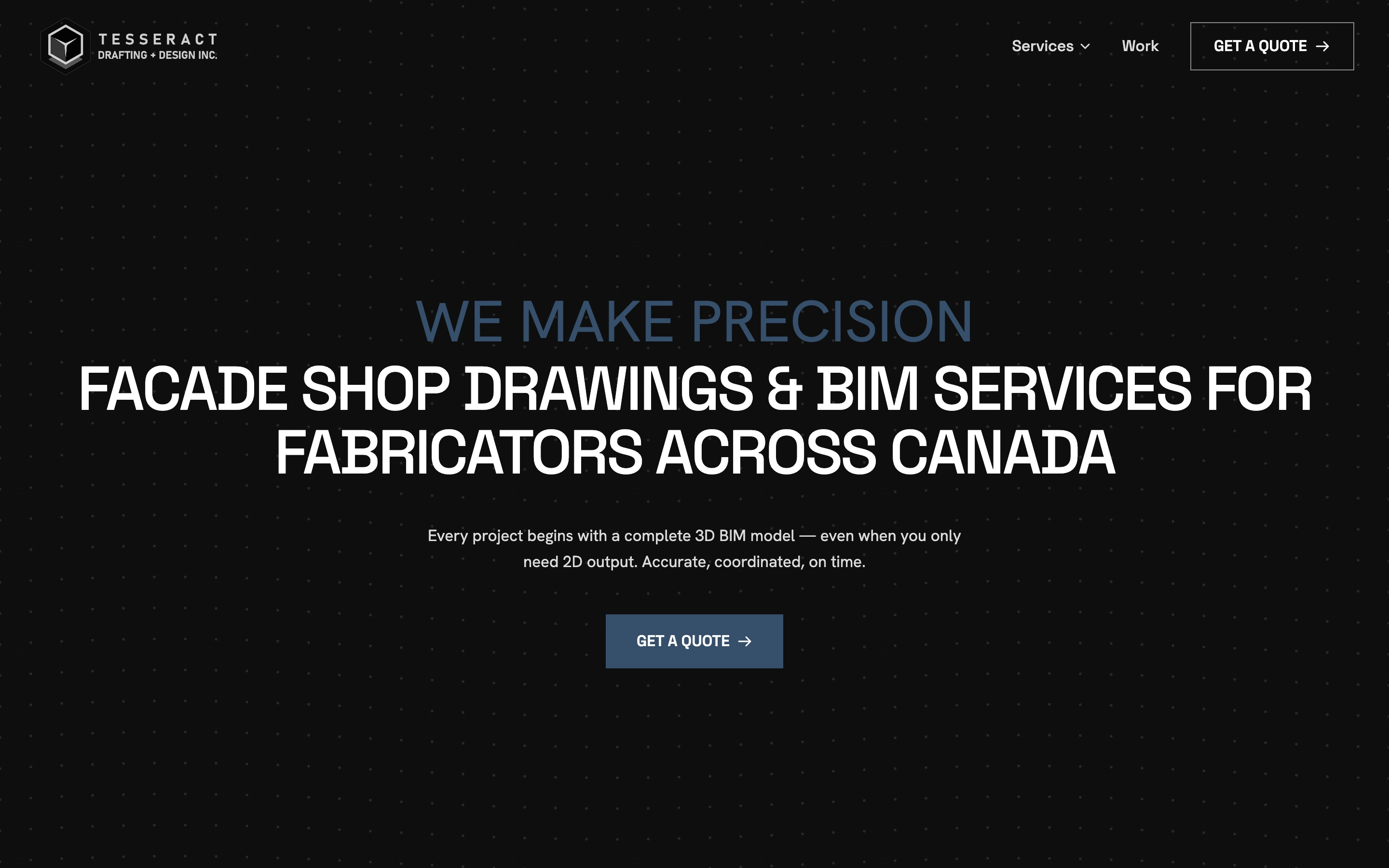
The specialty, clear from the first screen.
The headline names the service and who it is for. Calm blue, technical detail and one main button set the style.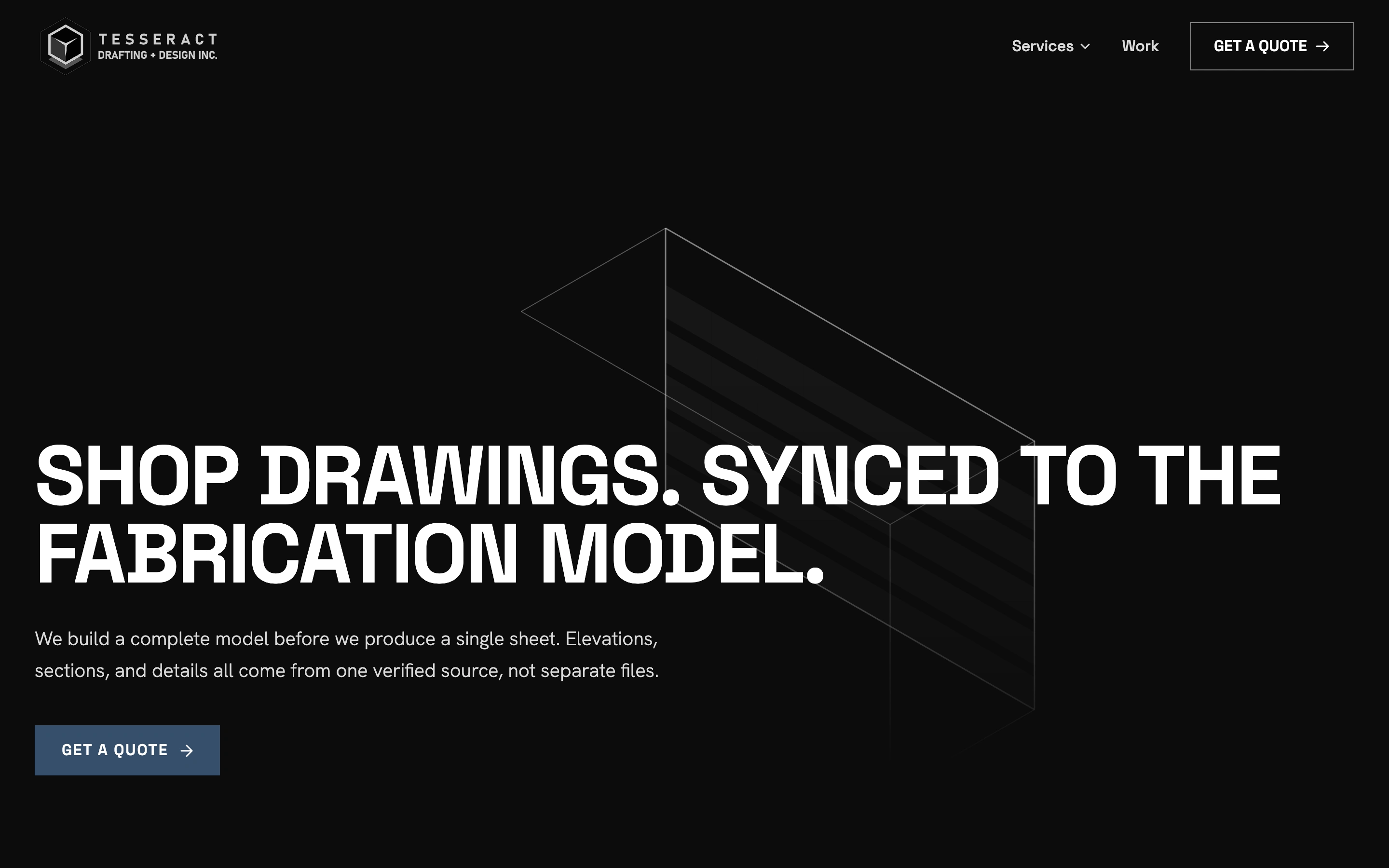
A service page with a defined outcome.
The 3D model is the main image. The text says what the client gets. The quote button is close by.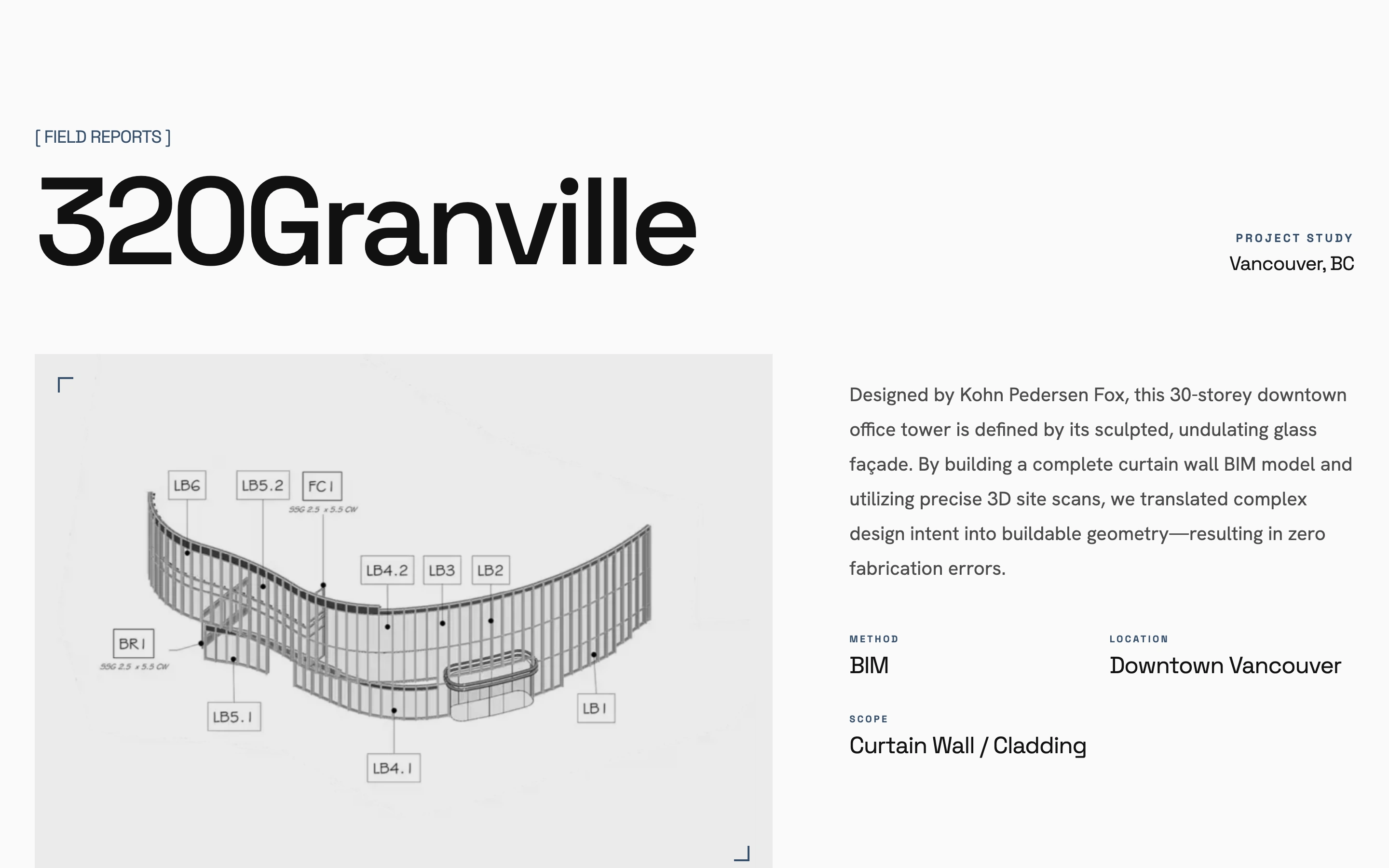
Technical work, made tangible.
A lighter layout gives the drawings space. Each project shows the place, the method and the size of the job.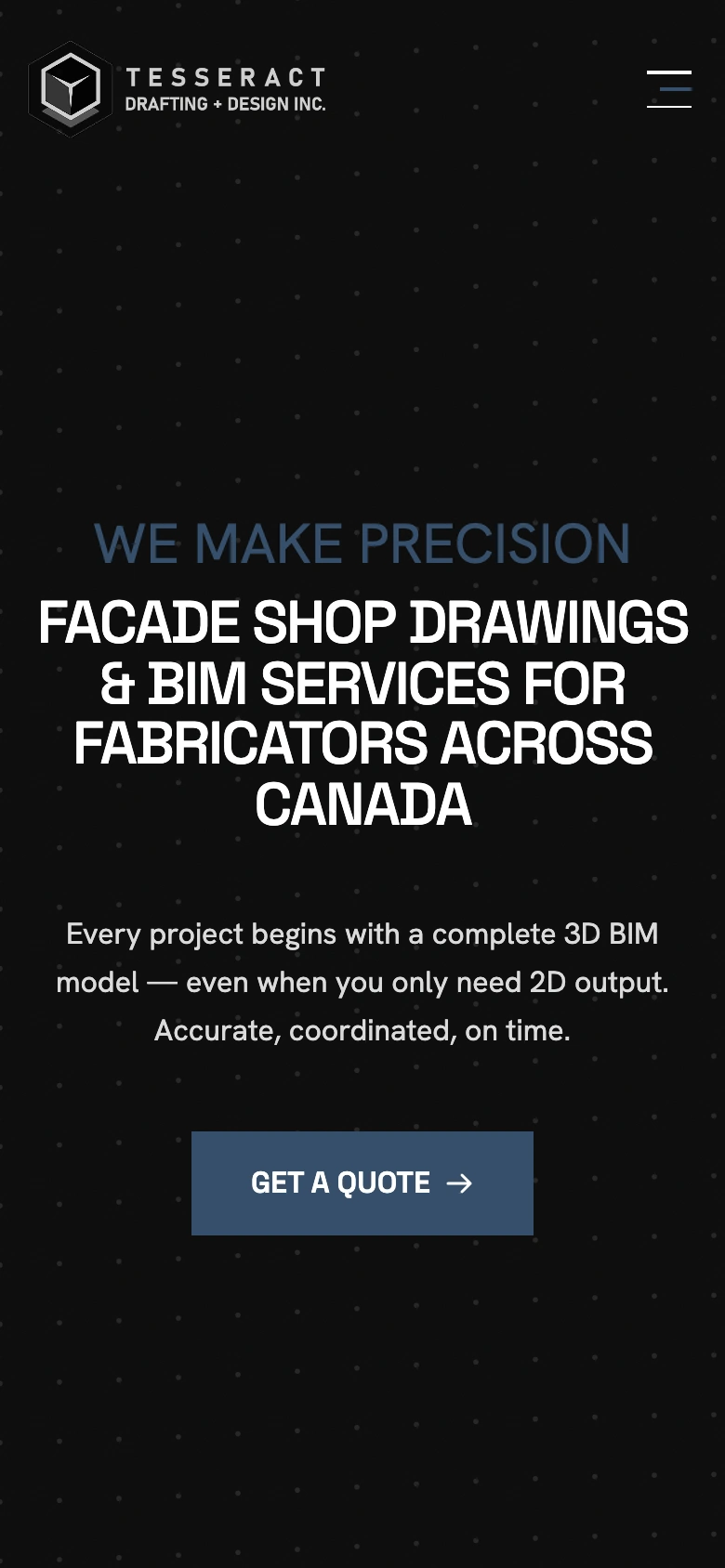
A clear path on every screen.
On a phone the order stays the same: who Tesseract helps, what it delivers, and how to ask for a quote.How we made it easy to ask for a quote
- The quote button shows up as soon as a visitor knows enough to ask. It is not only at the bottom of the page.
- Proof comes early: the number of projects, sample drawings and the all-digital way of working.
- Technical skill is linked to results clients care about: fewer errors in fabrication, less wasted material, better coordination.
How the site is built
We built the site with Next.js and TypeScript. The text, images and project records live in Sanity, the editor Tesseract’s team uses. They can add a project or change a service page on their own.
The result
In Alex’s words, the site is “already bringing in quote requests.”
Quote
“I wanted a website that clearly communicates what Tesseract does and moves visitors toward action, and that’s exactly what it’s doing. It’s already bringing in quote requests. The process was genuinely collaborative, and the result is a site I’m proud to put in front of clients. Highly recommend.”