
Internet for Humanity
A charity that brings computers and training to Uganda. Now its work is easy to see and easy to support.
Visit the live website
About the charity.
Internet for Humanity is a Canadian charity. It brings computers, internet and training to rural Uganda. It sets up small computer centres in schools, farm co-ops and health clinics. Local people help run each centre.
A homepage that leads to action.
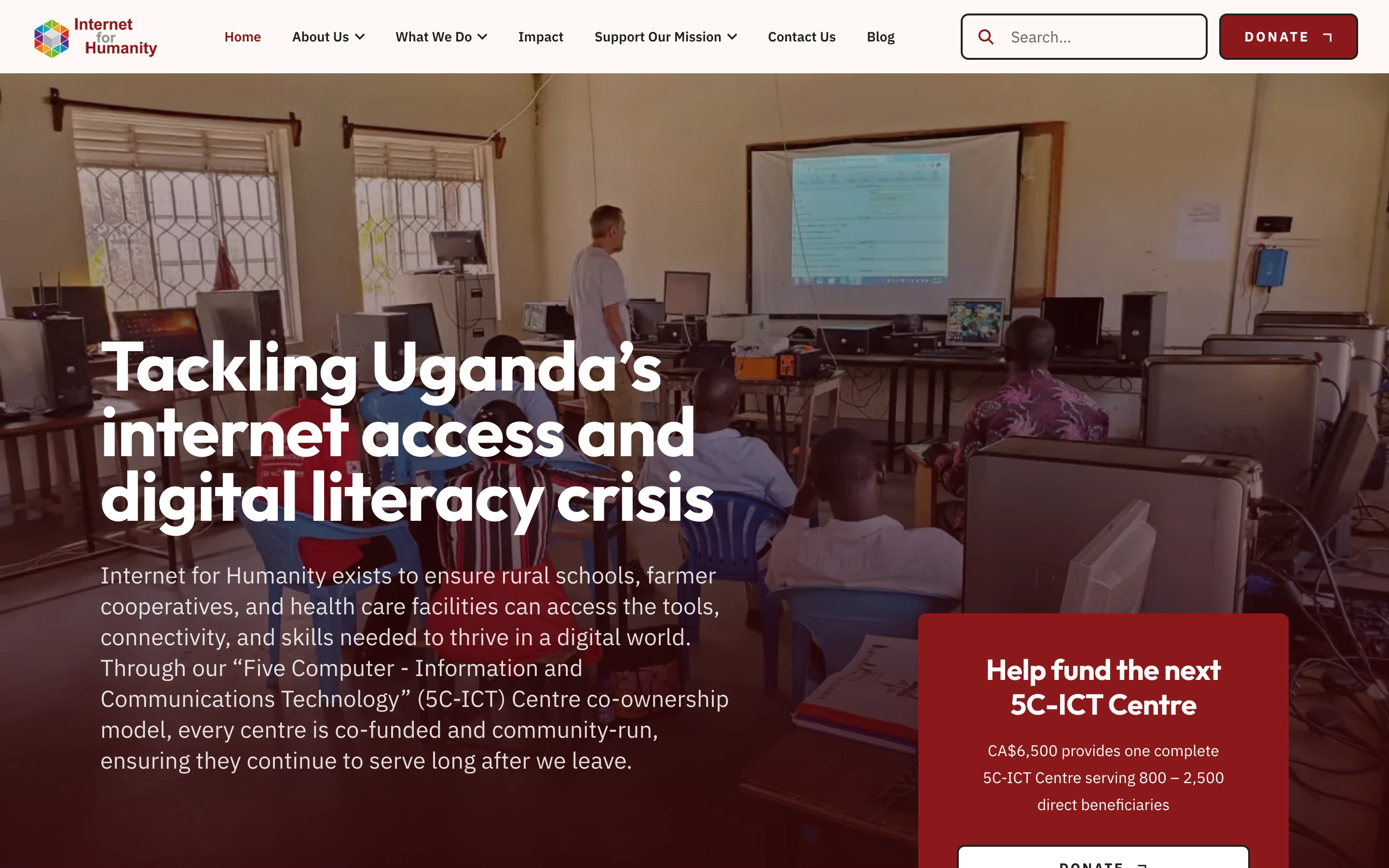
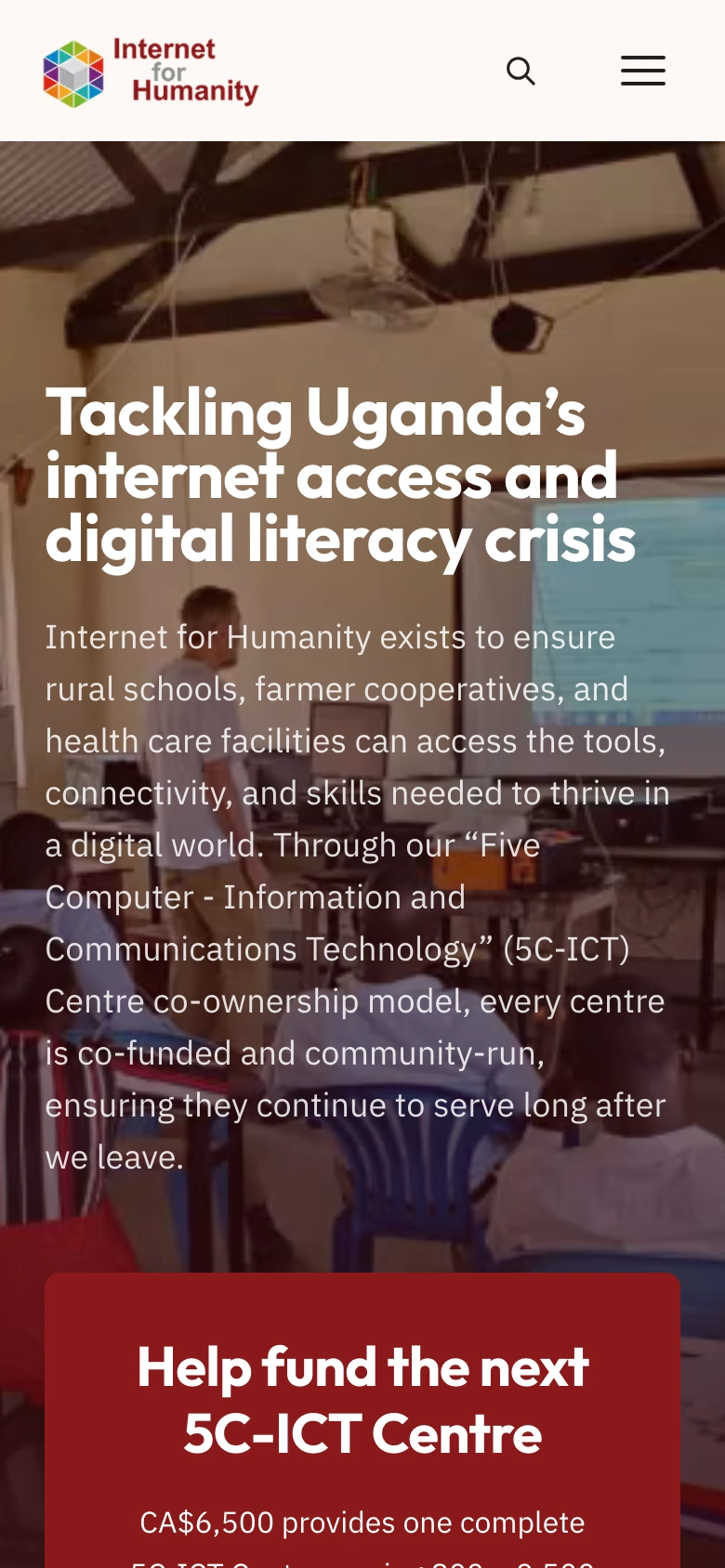
The homepage explains the problem first. Then it shows how the charity helps. Then it asks for one clear thing: help pay for a new computer centre. Programs, results and ways to help each have their own spot in the menu.
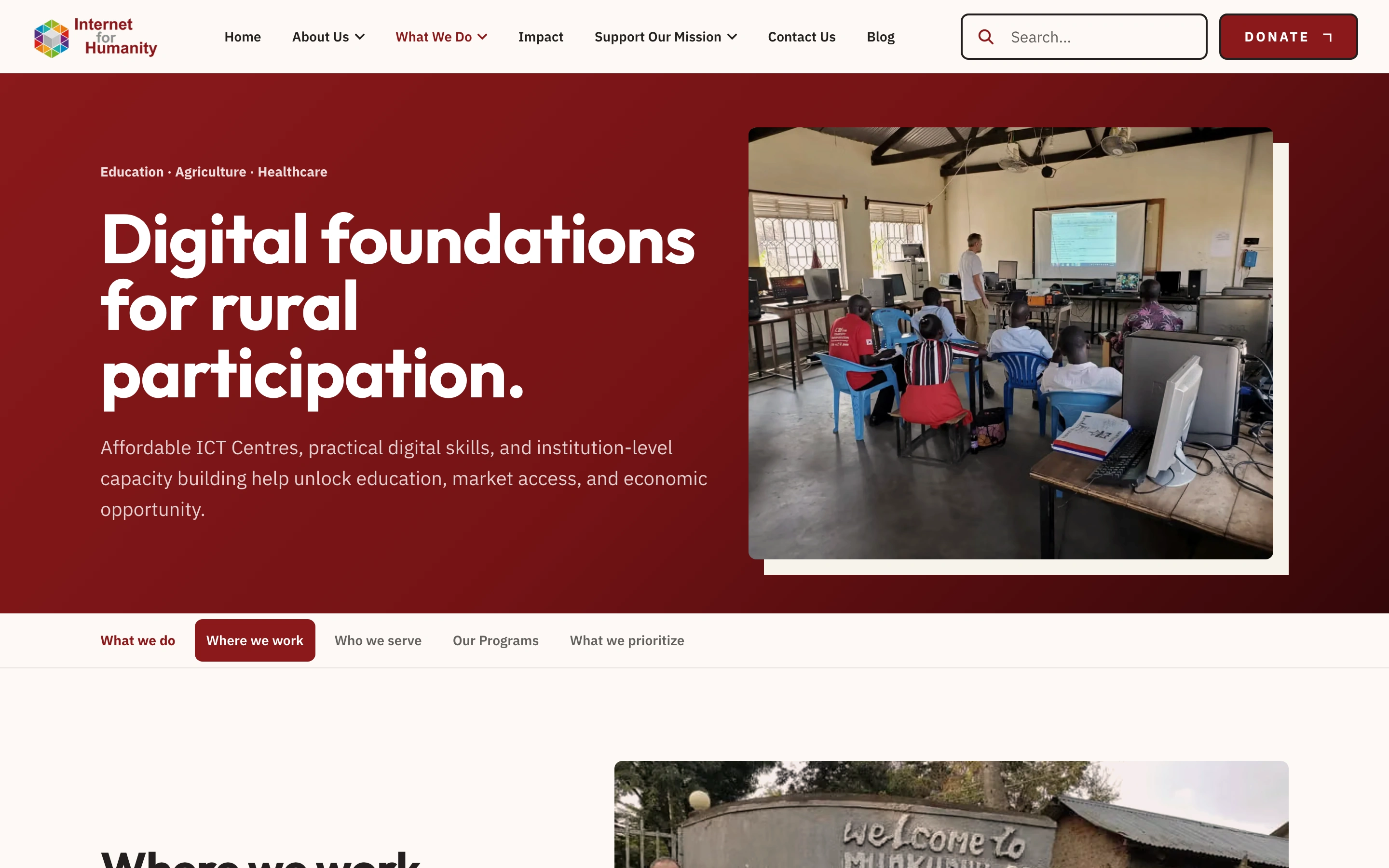
Three programs, clearly split.
The charity works in schools, farming and health care. Each one has its own section. Visitors can see who each program helps, where it runs, and how the computer centres work.
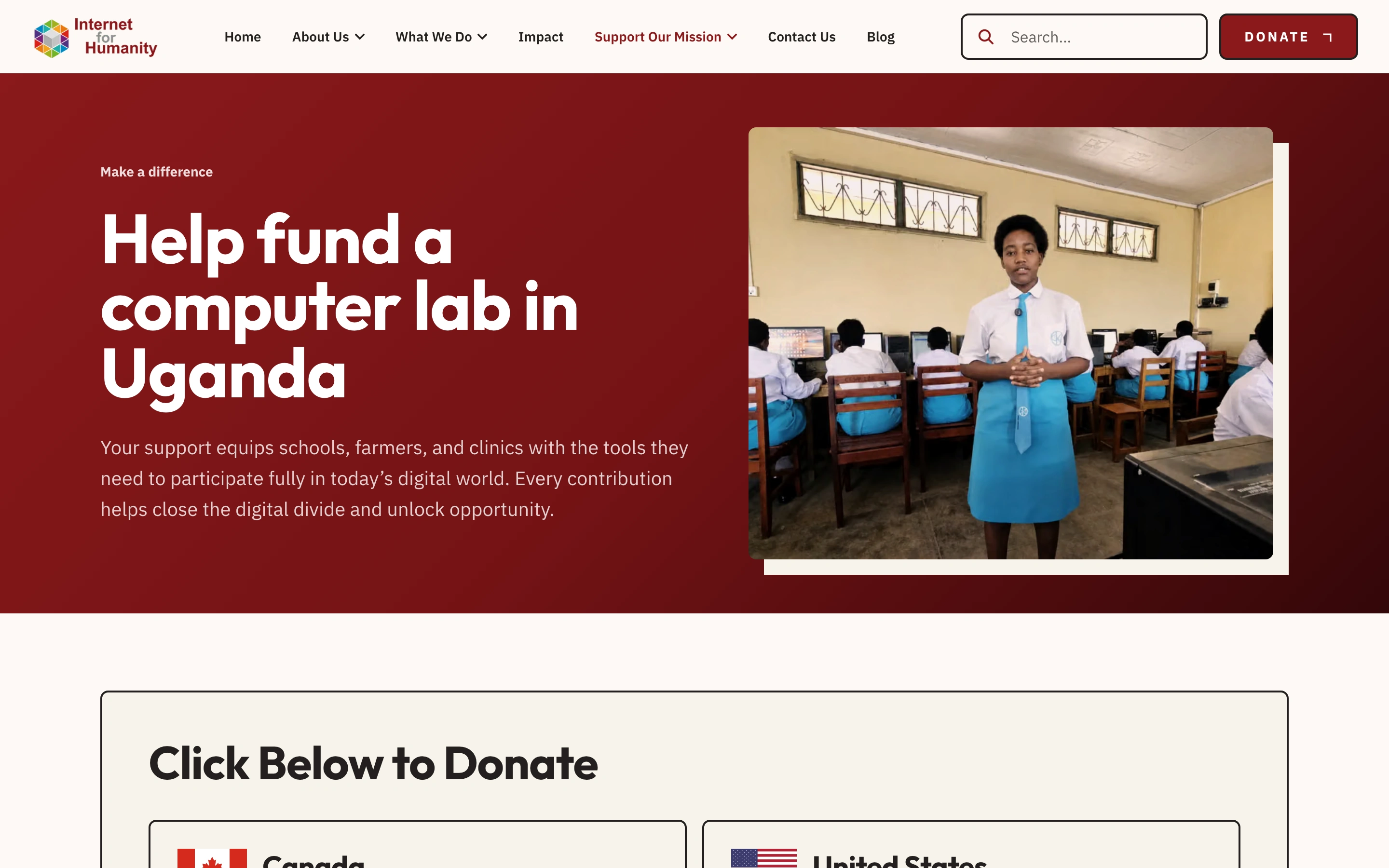
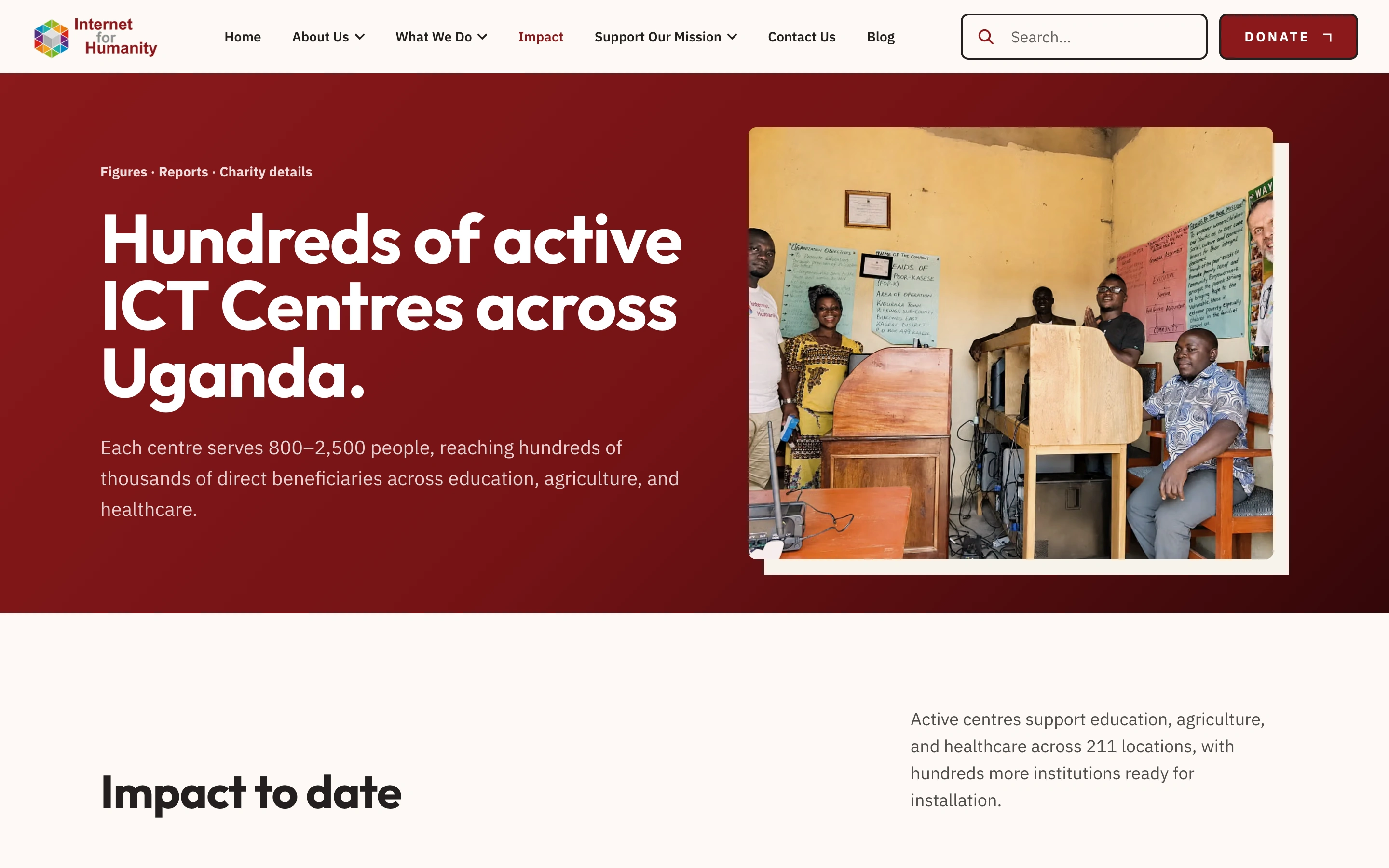
Giving, and proof.
The donation page has one path for Canadians, through CanadaHelps, and one for Americans. It lists every way to give. Partners have their own contact page. The Impact page holds the charity’s numbers, reports and registration details.
How the site is built
We built the site in code, with Next.js and TypeScript. The text, photos and reports live in Sanity, the editor the charity’s team uses. Staff can post an update or add a report on their own.
The finished website
The new site puts it all in one place: the mission, the programs, the reports and the ways to help. Donors can read about the work and give. Partners can learn how it works and get in touch.
Explore Internet for Humanity